Blog · October 21, 2026
Which Newsletter Earned the Sale? How a Small-Batch Candle Studio Proved Its Winning Link
Emberleigh Candle Co. pours soy candles in a Vermont dairy barn and sends two newsletters a month. Both pointed at the same shop page, so founder Marguerite could never tell which one actually drove checkout. Here she rebuilds her links in SkyCanvas, adds the conversion snippet, and watches a week of real numbers reveal the surprise winner.
Marguerite Vale pours soy candles inside a 1902 dairy barn outside Montpelier, Vermont. The barn still has its original board-and-batten walls, and she keeps a small cast-iron stove going through October while she blends scents in flights of three. Every candle gets tested through a full New England season before it hits the shop, and every order ships with a hand-stamped thank-you card.
Twice a month, she writes a newsletter. The Tuesday restock note is short and practical: new scents are live, here is the link, here is what sold out last time. The Friday story is slower, more personal: a photo of the pour room, a paragraph about why she chose black currant and smoked cedar for autumn, a link at the bottom. Both newsletters pointed at the exact same shop page.
For months, Marguerite could see her sales going up on restock weeks, but she could not tell which newsletter was actually earning the checkout. Was it the practical Tuesday note or the slow Friday story? She finally sat down one evening after a pour, opened SkyCanvas, and decided to find out.
1. Making an account for the studio
She started where everyone starts: a quick signup. She used her studio email and picked emberleighcandleco as her username so her future public profile would match the shop.
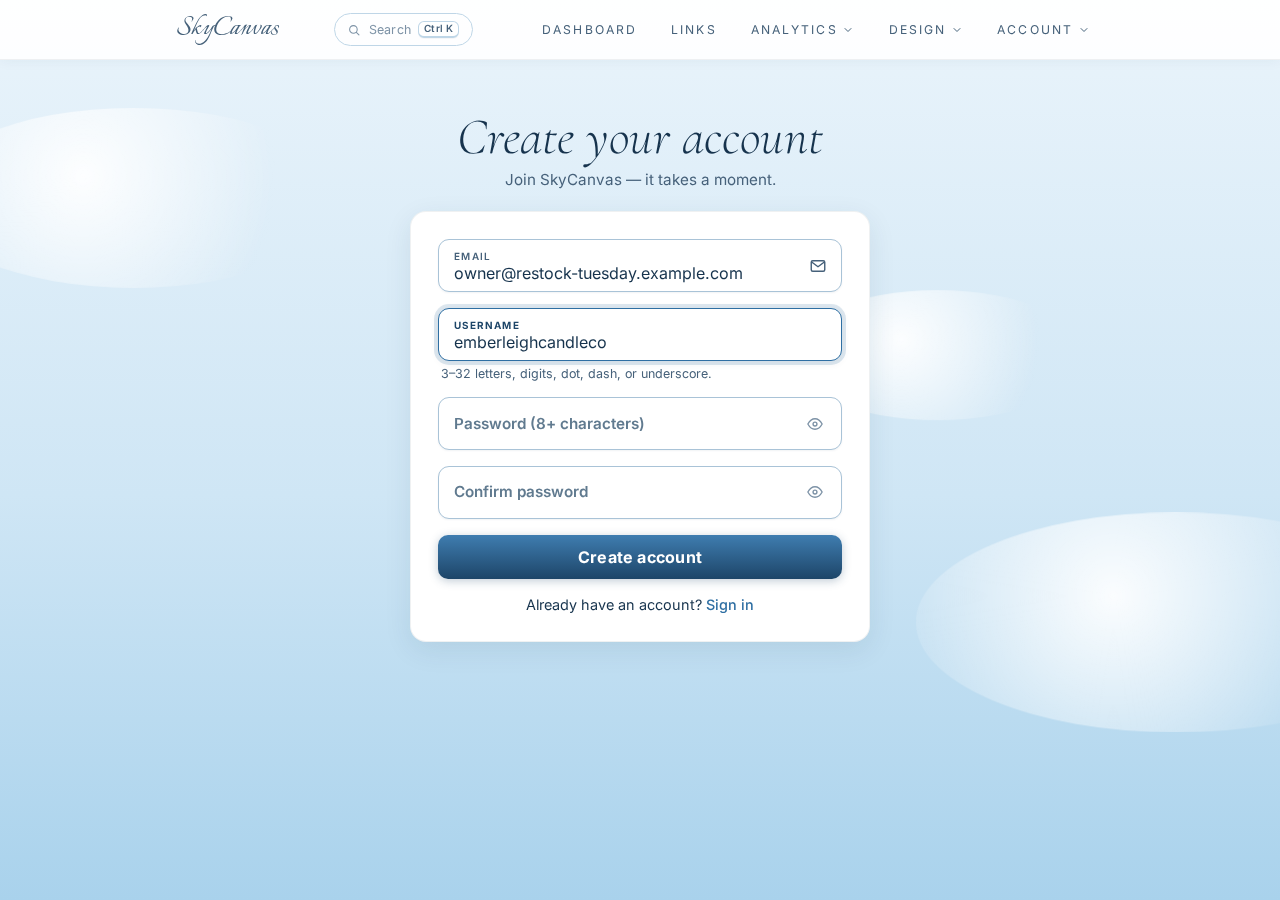
The form only asked for the essentials. No credit card, no survey about team size, no pop-up asking her to book a demo. She clicked Create account and was in.
2. Filling in the studio profile
Before building any links, Marguerite filled in her business profile. She wrote the tagline the way she describes the studio at farmers’ markets, listed her four main offerings, and named her audience plainly.
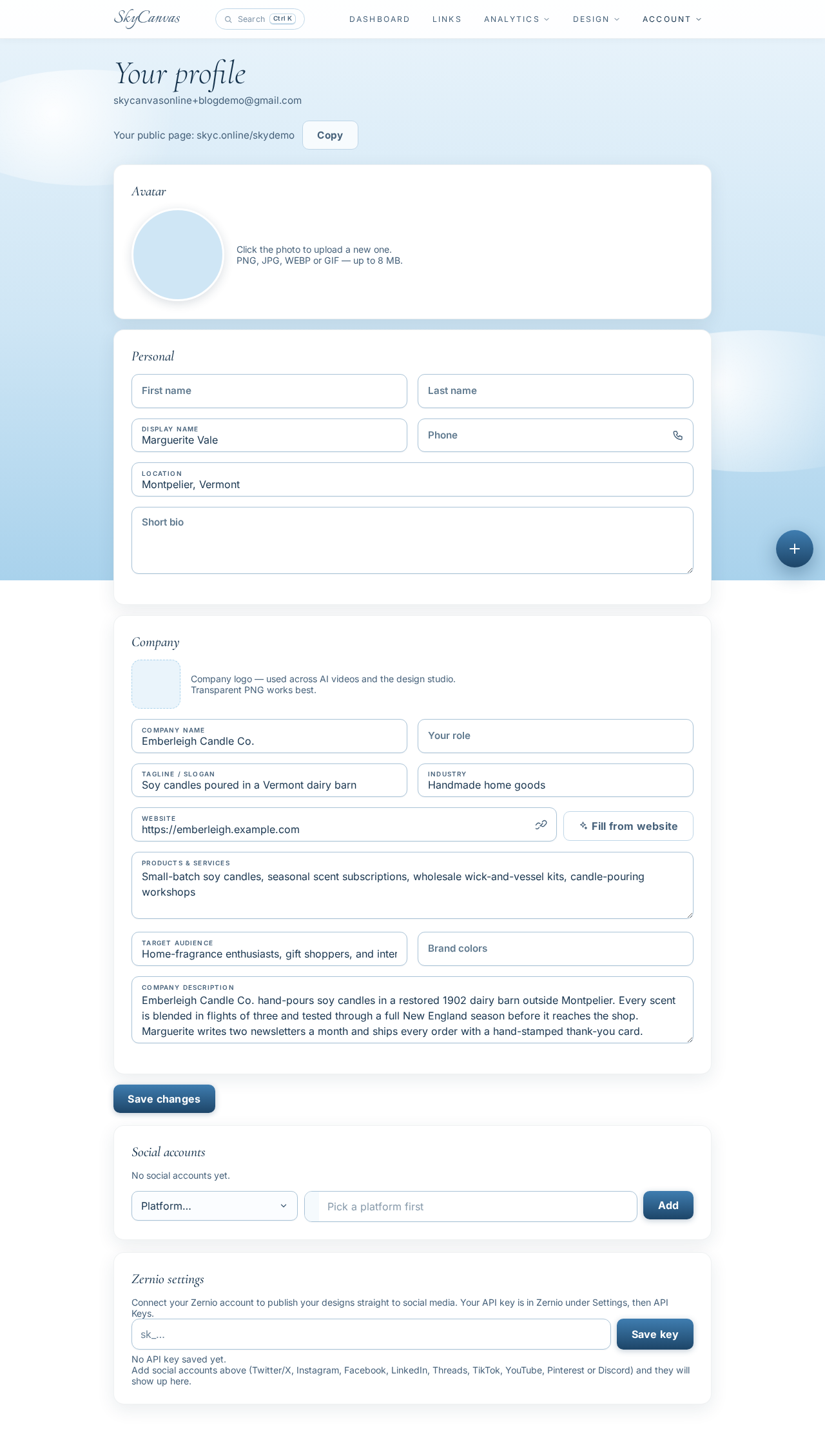
She listed small-batch soy candles, seasonal scent subscriptions, wholesale wick-and-vessel kits, and candle-pouring workshops. The audience line read home-fragrance enthusiasts, gift shoppers, and interior stylists on the US East Coast. Having this filled in meant every future link, QR code, and analytics page would be labeled correctly without her having to retype anything.
3. Building the Tuesday restock link
Then came the real work. She opened the new short link form and pasted her full shop URL for the Autumn Flight collection, complete with the UTM tags her email tool already appends. She titled it Tuesday Restock, Autumn Flight, wrote a short internal description so future-Marguerite would know what the link was for, and chose the custom slug restock-tuesday.
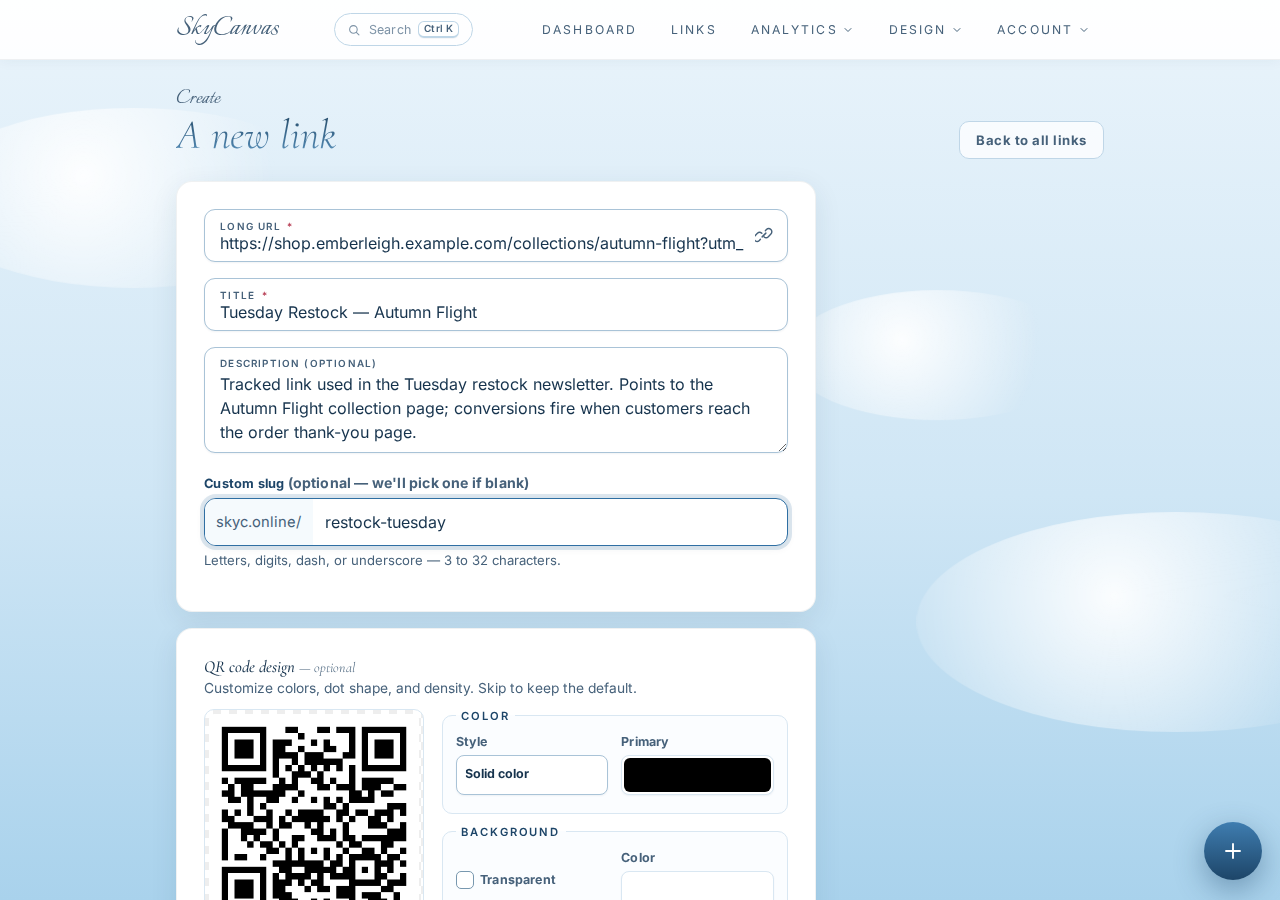
The QR preview on the right updated as she typed, rendering in the studio’s deep brown and warm copper against a clean white background. She did not need the QR for this newsletter, but it was reassuring to see the branded version already waiting.
She clicked Create and landed on the link detail page.
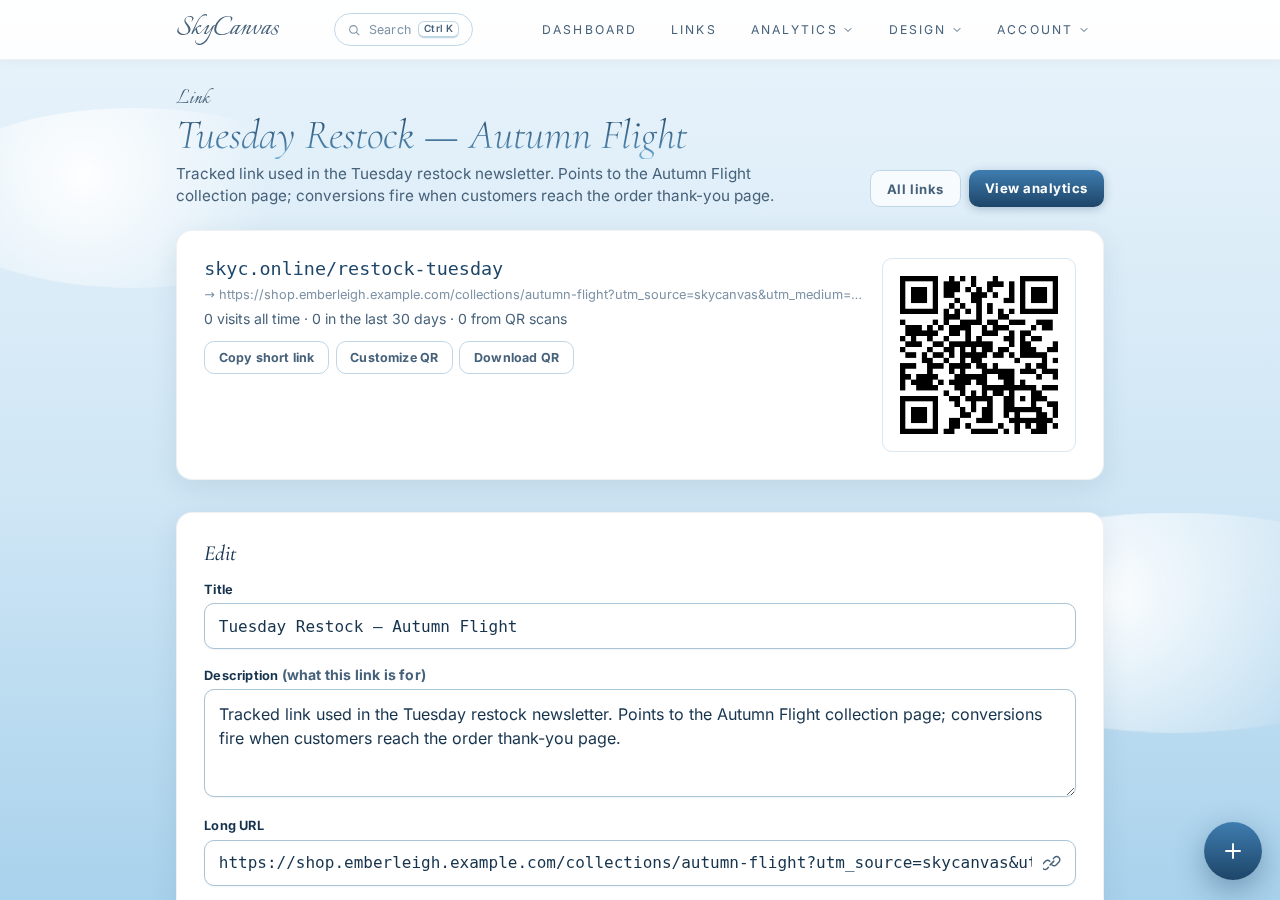
Her new short URL was skyc.online/restock-tuesday. The destination, the QR, and a download button were all right there. She repeated the process once more for the Friday newsletter, giving it the slug story-friday and the same destination so the only difference between the two links was which newsletter they lived in.
4. Dropping the conversion snippet on the thank-you page
This was the step she had been putting off for a year. SkyCanvas has a dedicated conversion tracking page with a single line of code you paste once on your site. On SkyCanvas’s side, it attributes checkouts and signups back to whichever link originally brought the visitor in.
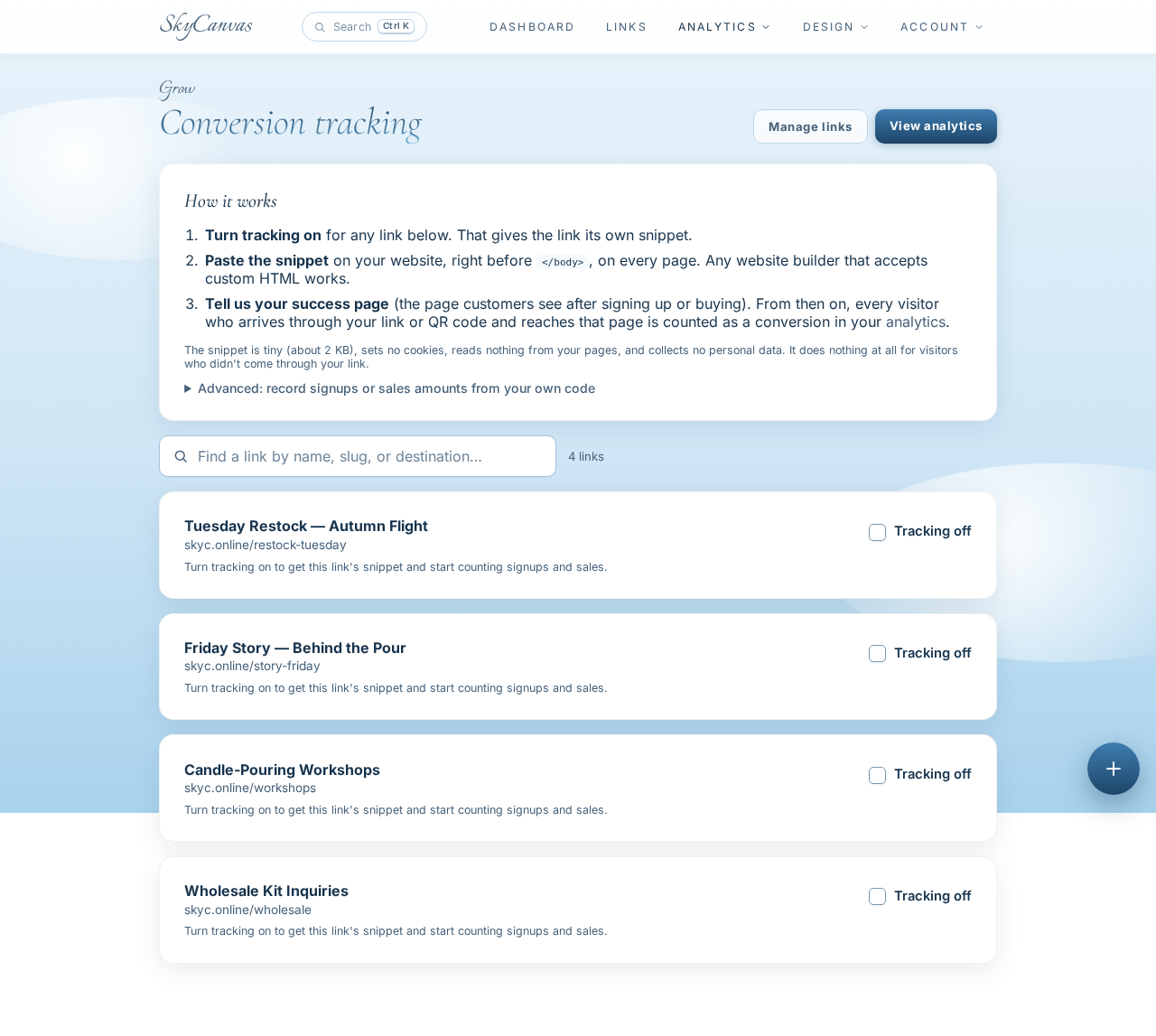
She copied the snippet, opened her shop’s thank-you page template, pasted it in, and saved. That was it. From that moment on, any customer who clicked skyc.online/restock-tuesday and later landed on the thank-you page would be counted as a conversion from the Tuesday newsletter, and any customer who came in through skyc.online/story-friday would be counted against the Friday one.
She sent the Tuesday newsletter that evening, with its new short link in the “Shop the restock” button. On Friday she sent the slower story note with its own link. Then she let the week do its work.
5. Watching the week fill the dashboard
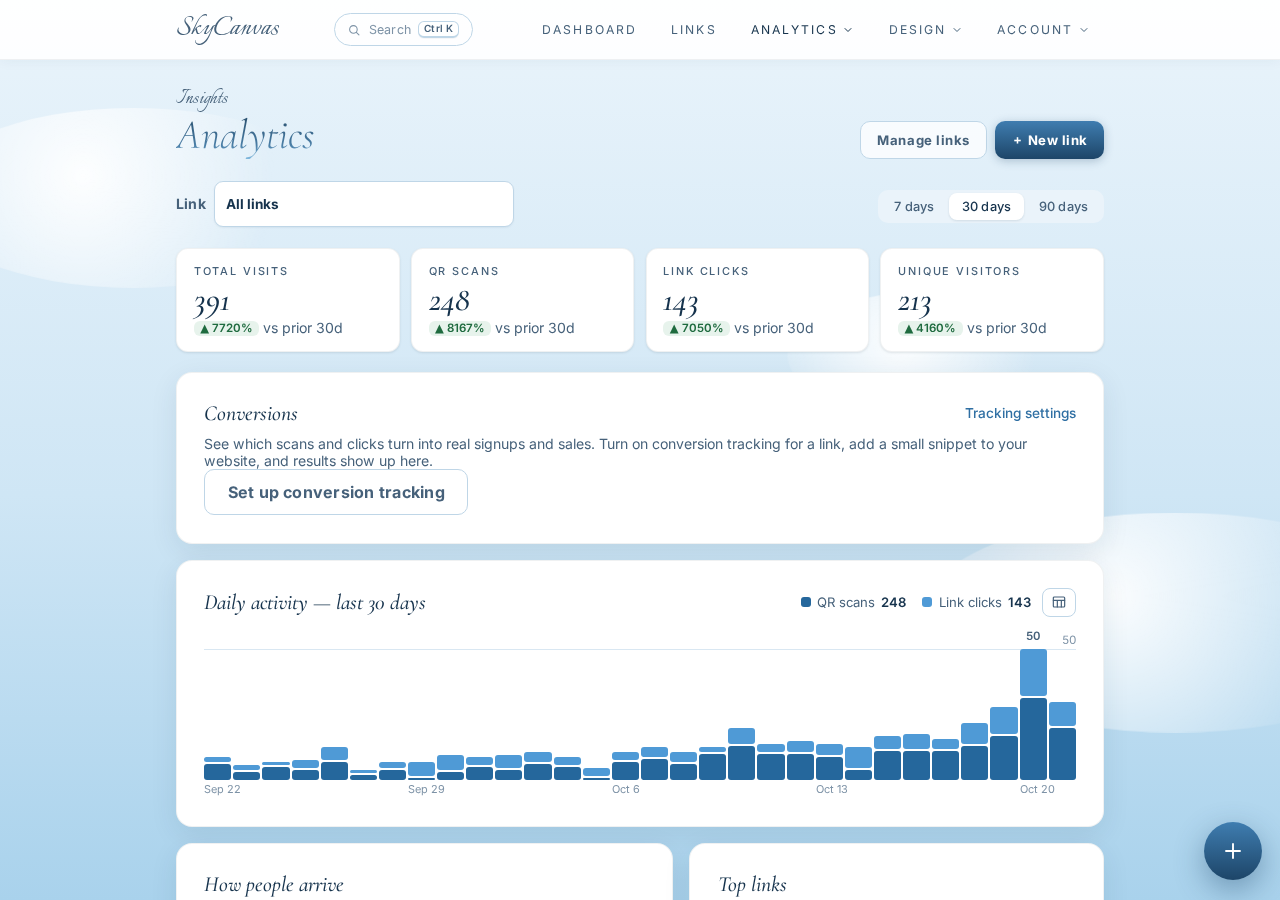
By Monday morning, the dashboard already had something to show. The KPI tiles across the top counted clicks, QR scans, conversions, and total links. Underneath, the daily activity chart drew a clear two-peak shape: a tall Tuesday spike and a slightly shorter Friday one.
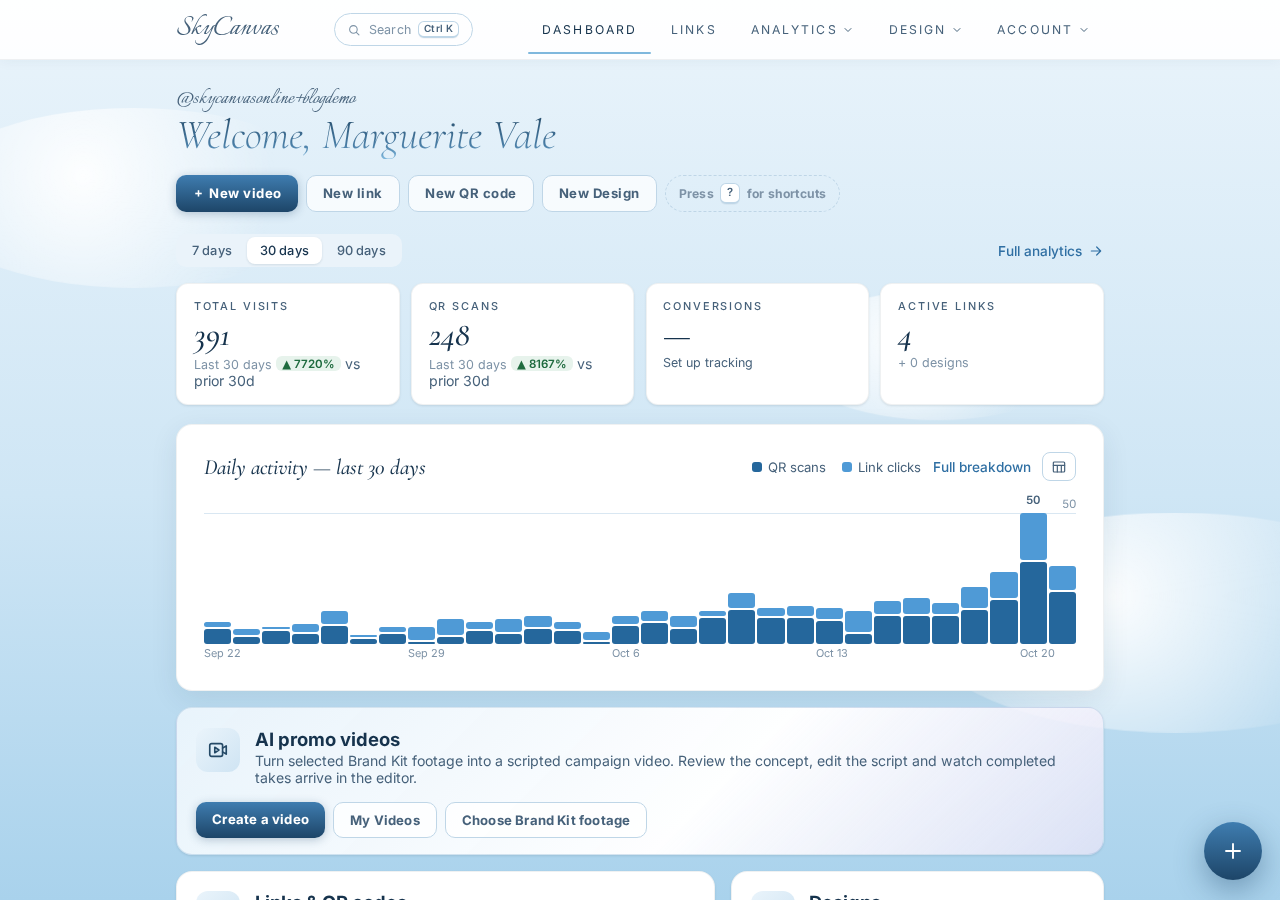
The clicks were close. The Tuesday link had edged ahead, which was what Marguerite had always assumed. But the conversion tile told her something a dashboard alone could not: more people had actually checked out than she expected, and the ratio was not what she thought. She clicked through to the analytics page to see the per-link breakdown.
6. The surprise winner
The analytics page gave her exactly the view she needed: per-link clicks, QR scans, device breakdown, and conversions over time.
The Tuesday restock earned more clicks, as expected. But the Friday story link, with fewer clicks, had a higher conversion rate. The slow newsletter, the one with the pour-room photo and the paragraph about black currant and smoked cedar, was quietly outperforming the practical restock note on actual sales. Readers who clicked from the Friday story were already warmed up by the time they hit the shop.
That one chart changed how Marguerite thought about her month. She still sends both newsletters, because the Tuesday note tells regulars that stock is live. But she now spends her best writing hours on the Friday story, and she stopped feeling guilty about taking an extra day to get the photo right.
What changed at the barn
Before SkyCanvas, Marguerite had two newsletters, one shop page, and no honest way to compare them. Now she has two short links she can read at a glance, a thank-you page that quietly reports back, and a dashboard that tells her which story earned the sale.
If you have two campaigns pointing at the same destination and no way to tell them apart, you can set this up this afternoon. Create your SkyCanvas account, make one short link per campaign, paste the conversion snippet on your thank-you page, and let a week of real customers answer the question for you.
Emberleigh Candle Co. is a fictional business we created to show a real SkyCanvas workflow. Every screenshot is real, captured live while writing this guide.