Blog · September 4, 2026
Signed pages and full rooms: how an indie bookstore used trackable RSVPs to pack their first live author reading
How a cozy community bookstore and plant shop combined branded QR codes, short links, and real-time scan analytics to manage limited seating for a highly anticipated local author signing.
Nestled in a historic brick storefront in Portland, Oregon, Page & Petal Books & Botanicals is more than just a shop. It is a warm, sunlit community space where towering monstera plants share shelf space with local indie fiction. For the owners, cultivating connection is just as important as keeping their rare ferns watered. When they secured an exclusive evening reading with beloved local cozy fantasy author Clara Finch, they knew the neighborhood would be thrilled.
However, hosting an event in a boutique bookstore comes with physical limitations. Surrounded by delicate clay pots and displays of rare trailing ivy, the shop can safely accommodate only thirty seated guests. Overbooking would lead to a crowded room, while empty chairs would disappoint both the author and the community. The shop needed a simple, foolproof way to manage RSVPs, track where their promotional efforts were succeeding, and share the registration link on both printed instore flyers and social media channels.
To balance their physical space with digital coordination, the team turned to SkyCanvas. By creating a custom short link and a branded QR code, they bridged the gap between their physical bookshelves and their online registration form, ensuring a packed house without any of the chaotic crowd management. Here is exactly how they set up their campaign.
1. Landing on SkyCanvas
The journey began on the SkyCanvas homepage. The Page & Petal team wanted a platform that was straightforward, visual, and fast to configure. They needed to generate a short link that would fit perfectly on small book bookmarks and a QR code that matched their cozy aesthetic.
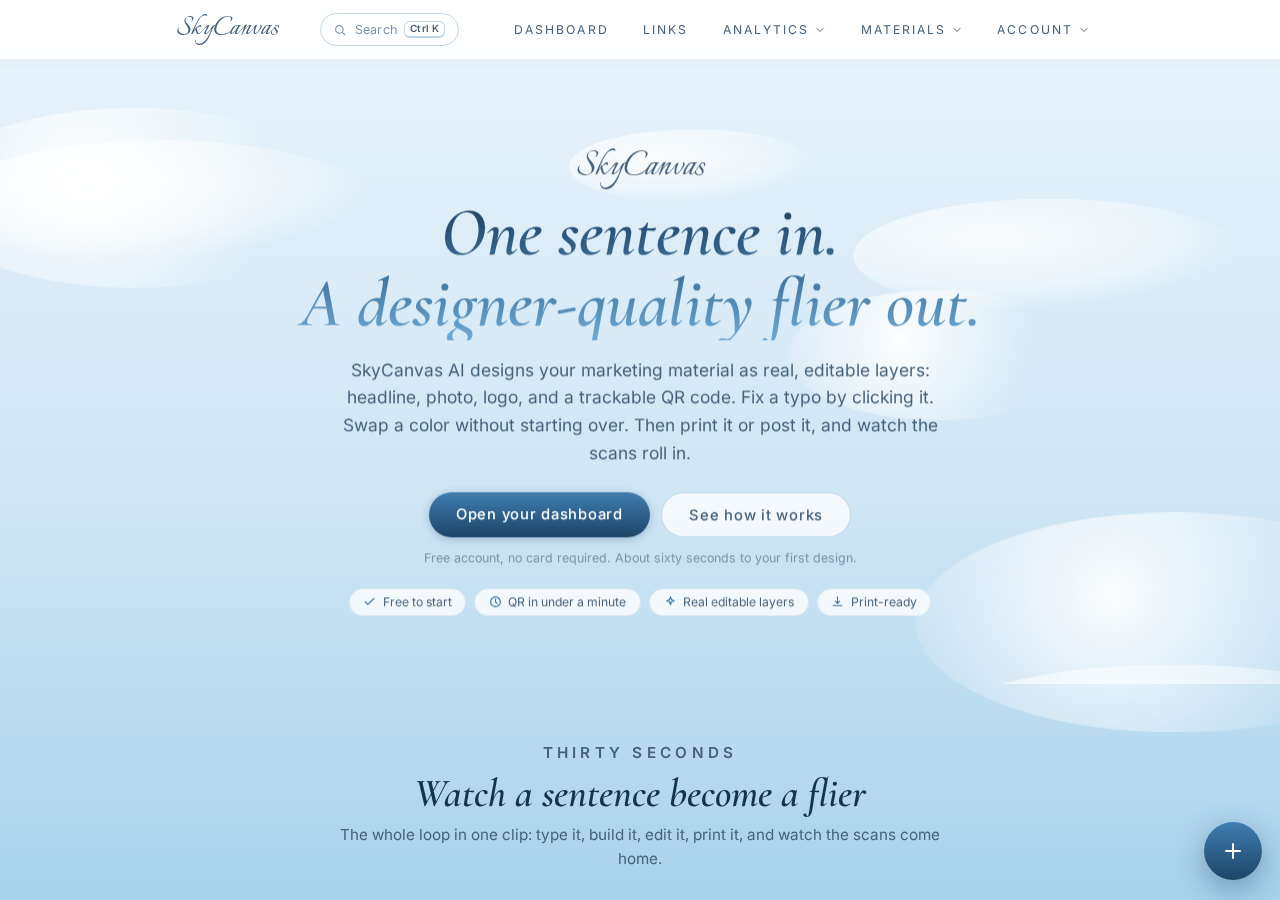 The SkyCanvas homepage at skycanvas.online.
With the promise of getting a design ready in sixty seconds, they clicked through to begin setting up their campaign.
2. Registering the Account
Setting up their space took only a moment. They registered using their store email address, choosing a secure password and a username that kept their digital workspace organized.
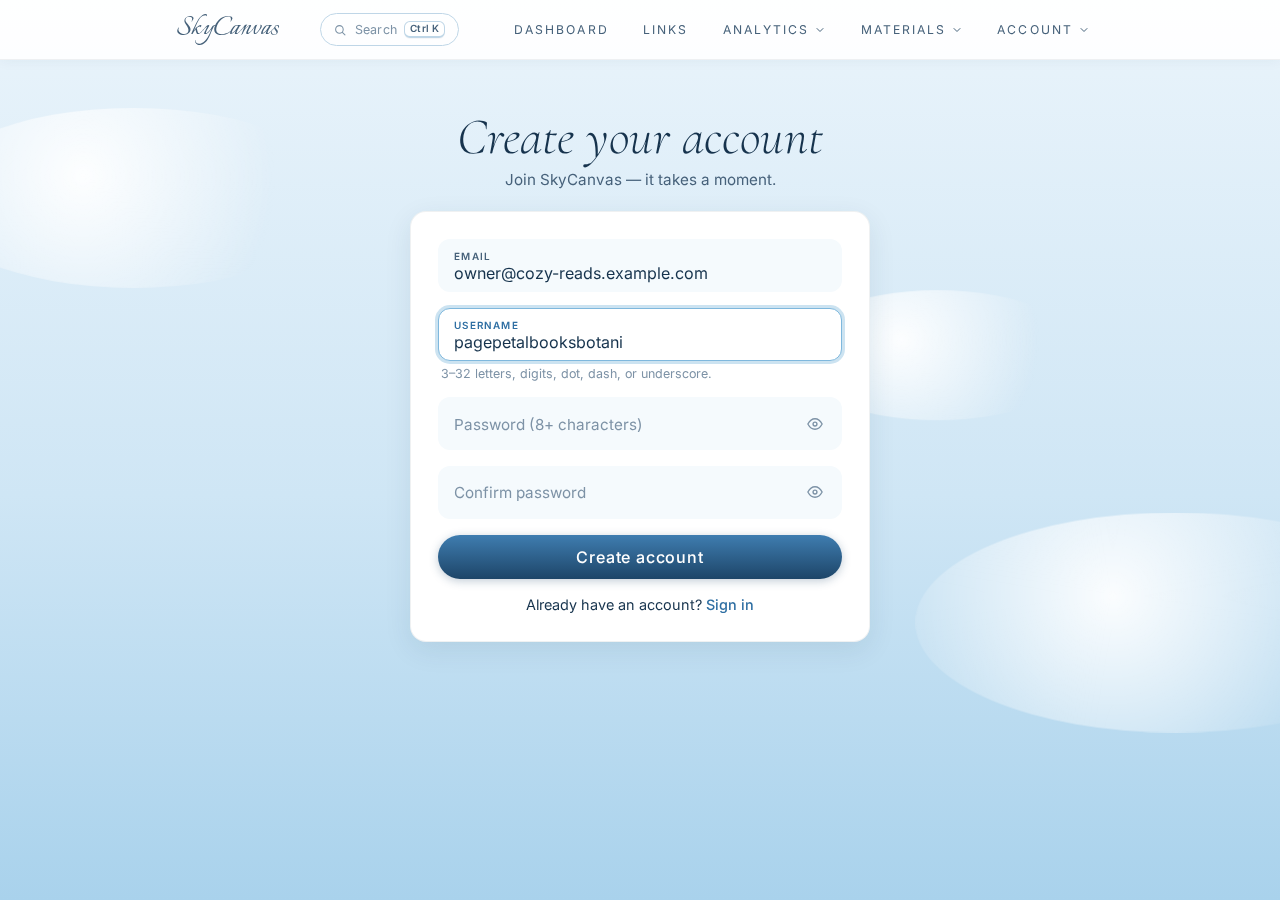 The SkyCanvas signup page with the account form filled in (email and username).
Within seconds, they had access to their new digital portal, ready to start routing their local book lovers to the registration page.
3. Creating the Event Link
To make the event easy to talk about and type, the team wanted a short, memorable address. They directed their new link to their website booking system, using the target URL https://pageandpetal.example.com/events/cozy-fantasy-signing.
For the short address, they selected the clean and simple slug cozy-reads. This gave them a beautiful, compact short URL: skyc.online/cozy-reads .
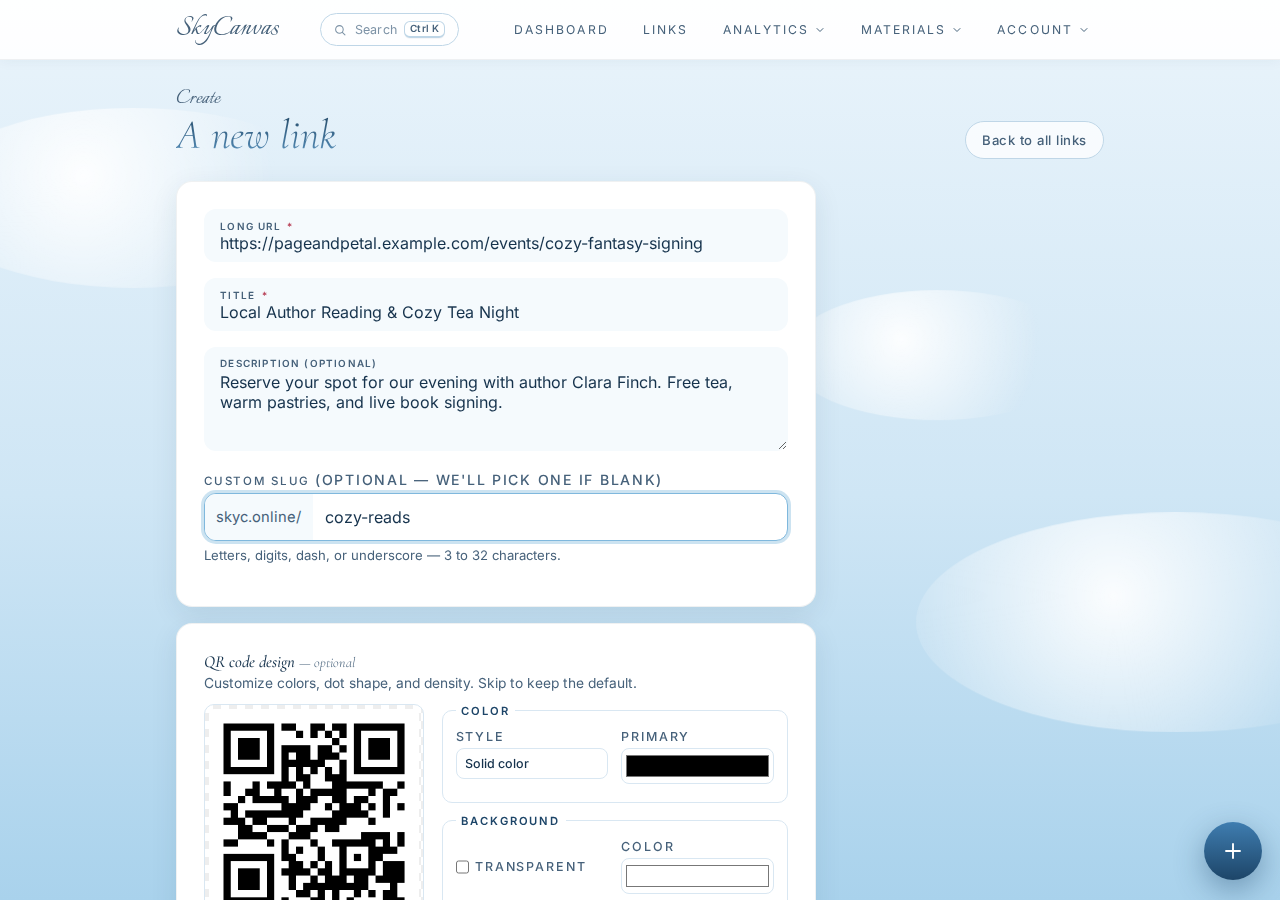 The “new short link” form filled in: destination URL, title, description and custom slug, with the live QR preview on the right.
In the link description, they made sure to highlight the perks of the event: free warm tea, fresh pastries, and the book signing. They saved the form, instantly generating their new assets.
4. Generating the QR Code
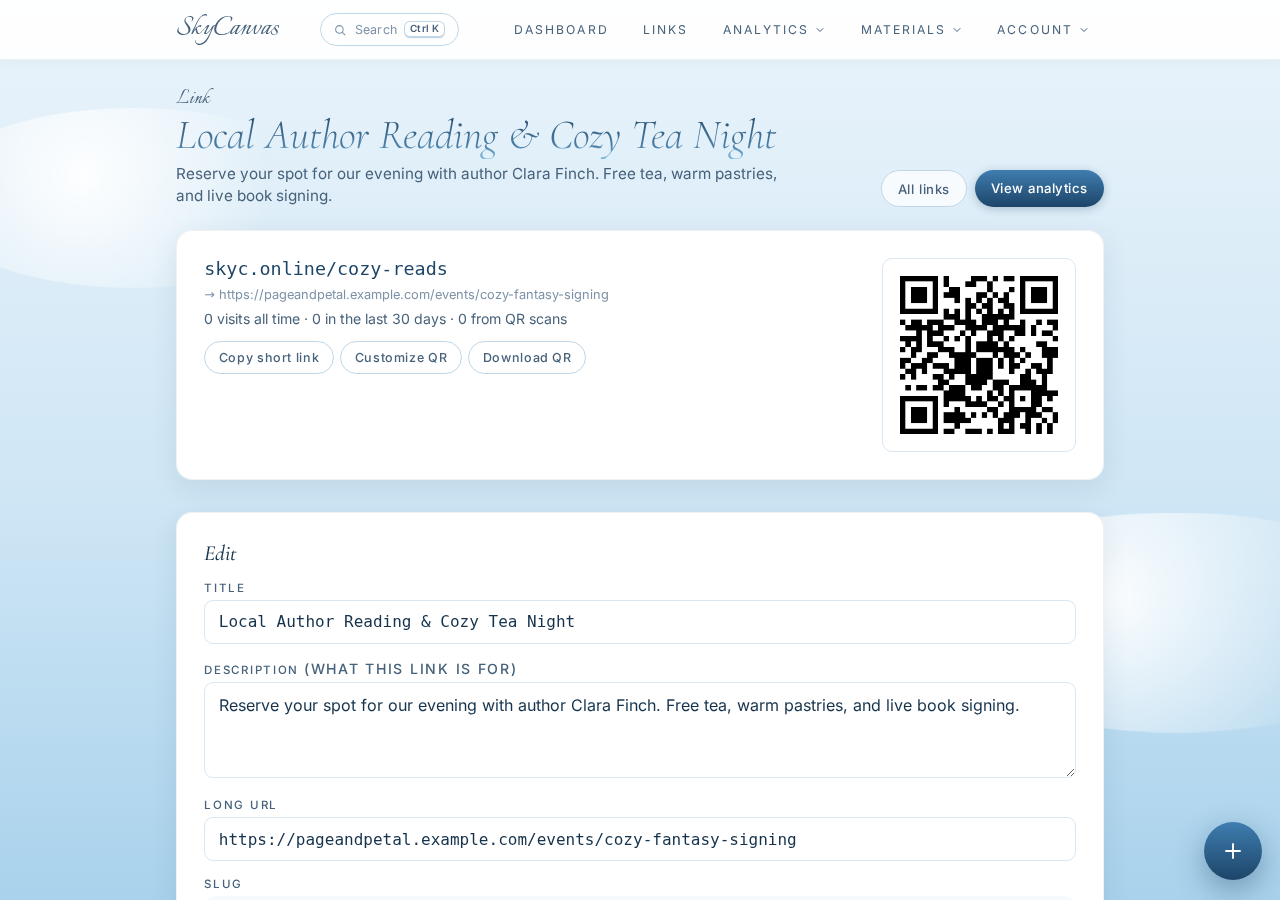
As soon as the link was saved, SkyCanvas generated their unique short link alongside a clean, high-resolution QR code. Having both assets in one place made it simple to plan their promotion. They could copy skyc.online/cozy-reads for their Instagram bio and newsletter, while downloading the QR code for their physical materials.
 The link detail page right after creating the short link: the sky.canvas short URL, the destination, and the generated QR code ready to download.
Before exporting the image, however, they wanted to make sure it matched the rustic, botanical charm of their physical shop.
5. Customizing the Design
Generic black and white QR codes can look clinical, which did not fit the warm, leafy aesthetic of Page & Petal. The team used the styling panel to customize their QR code.
They set the foreground color to a rich forest green #2E5A44 and added a secondary soft wood brown #8B5E3C for the corner markers, placing everything against a warm cream background #FFFDF9.
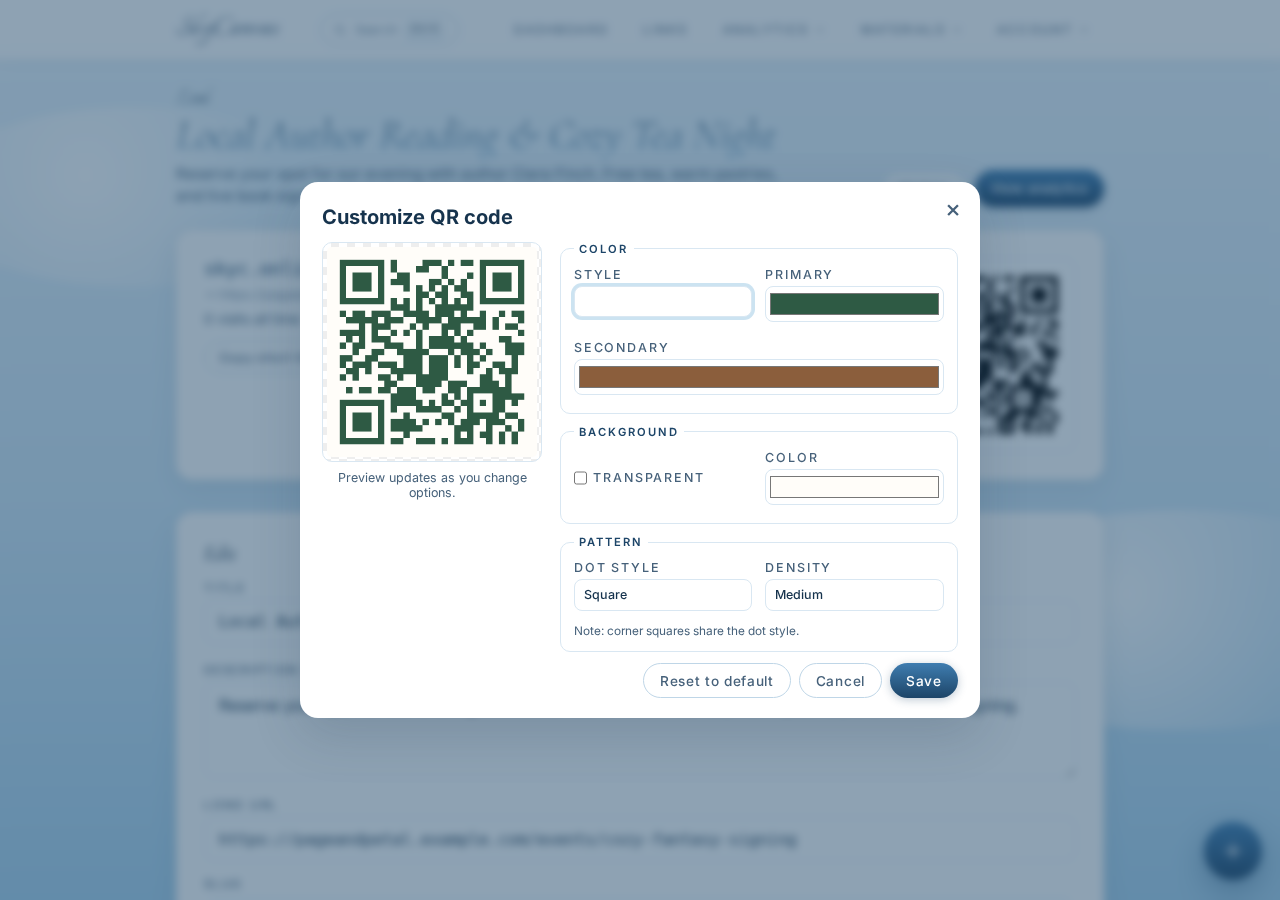 Customizing the QR code style on the link page: brand colors applied to the QR modules with a live preview.
This customized code looked less like an afterthought and more like a natural extension of their brand. They downloaded the updated file and printed it onto physical bookmarks tucked into every book purchase, as well as on a framed poster placed right next to the checkout register.
6. Monitoring the Dashboard
Over the next week, the team watched their campaign come to life. The dashboard gave them an immediate, high-level view of how much interest the event was generating.
Whenever a customer stood at the checkout counter, noticed the framed poster, and scanned the code with their phone, the total scan count ticked upward on the central activity chart.
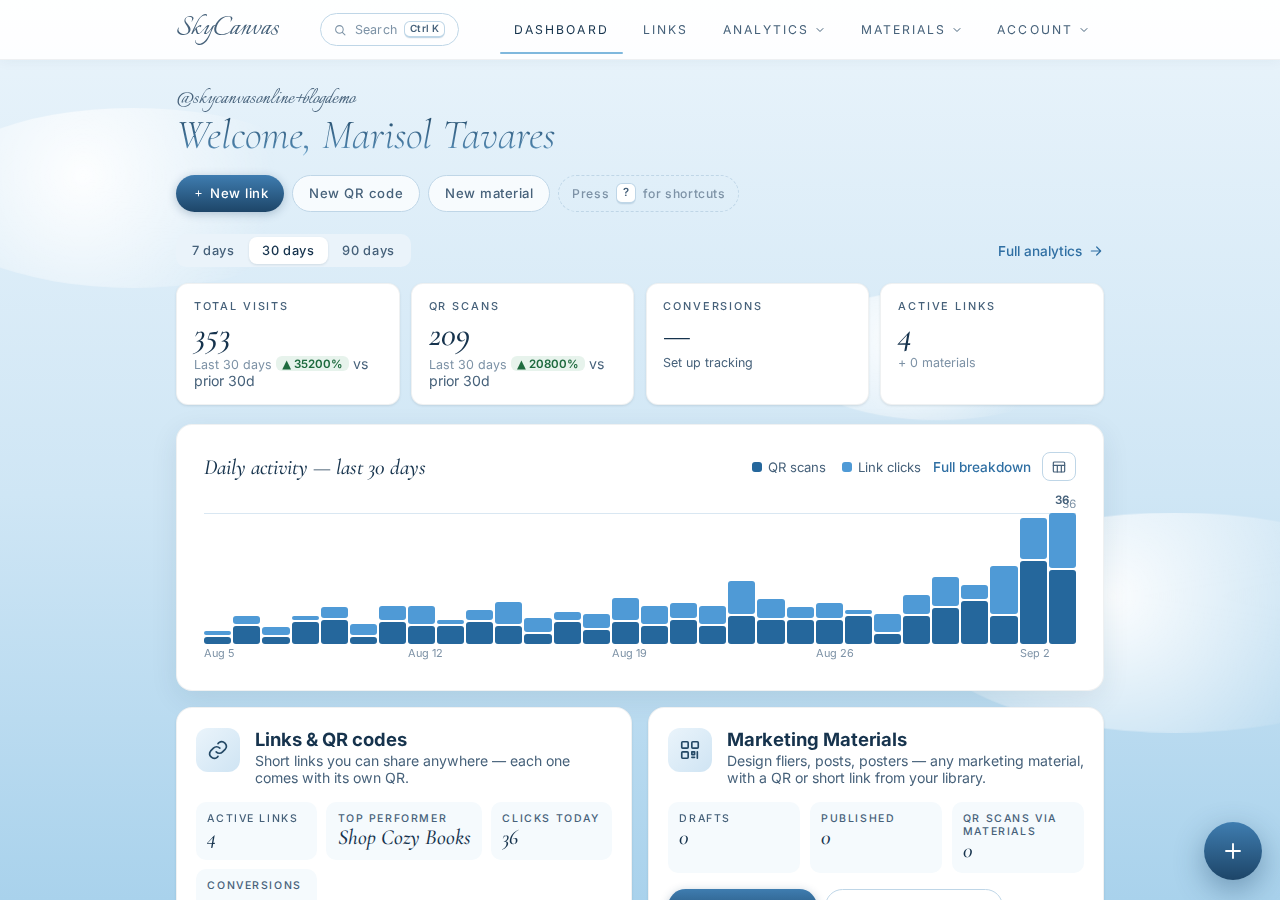 The SkyCanvas dashboard: KPI tiles for clicks, QR scans, conversions and links, plus the daily activity chart.
Seeing the daily activity spikes allowed the team to understand when customers were most active and engaged with their marketing materials.
7. Analyzing the RSVP Data
To dive deeper, the shop managers checked their analytics page. This area provided granular details about how users were accessing their registration page.
By comparing direct short link clicks against physical QR scans, the team could tell whether their social media posts or their in-store printed bookmarks were driving more sign-ups.
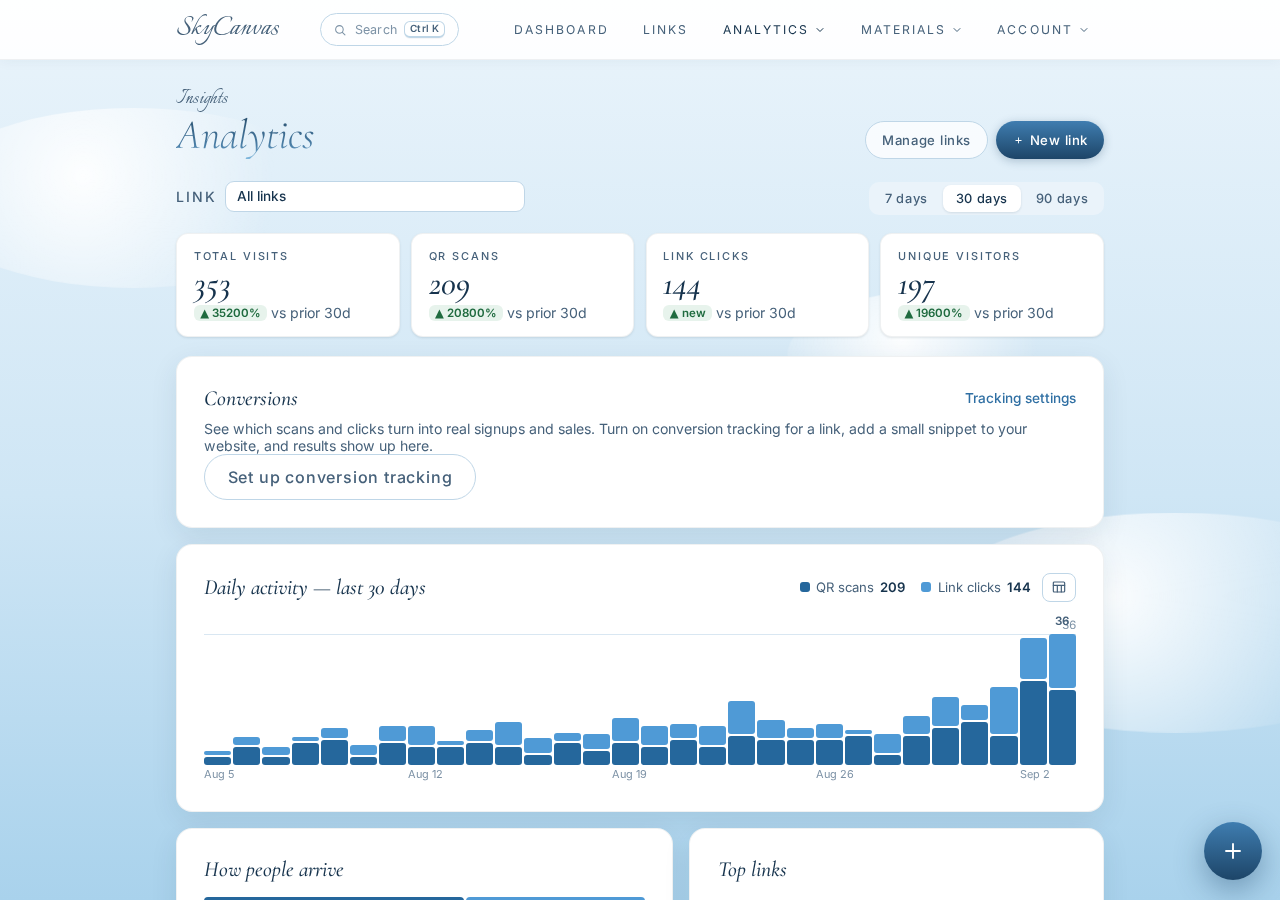 The analytics page: per-link clicks, QR scans, devices and conversions over time.
The data showed a steady flow of scans from mobile devices, proving that the physical bookmarks and register signs were highly effective. Because they could monitor this engagement in real time, the owners knew exactly when they were approaching their thirty-seat limit.
Cultivating a Successful Evening
When the night of the reading arrived, the shop was exactly as the owners had envisioned: cozy, intimate, and perfectly full. Every single one of the thirty chairs was occupied by an eager reader holding a warm cup of herbal tea. There were no long lines of turned-away guests at the door, and no empty seats left abandoned.
By using SkyCanvas to bridge their in-store physical displays with their digital booking system, Page & Petal managed their limited capacity with zero stress. They also walked away with valuable data: they now knew that their physical bookmarks were their most powerful advertising tool, giving them a clear blueprint for promoting future community workshops and book clubs.
If you are planning an upcoming launch, workshop, or community event, you do not have to leave your attendance numbers to chance. Create a free account today to build your own trackable campaign.
Get started with your custom event links at https://skycanvas.online/register.
Page & Petal is a fictional business we created to show a real SkyCanvas workflow. Every screenshot is real, captured live while writing this guide.